Choose Your Course\n Plan
\nFAQs and Requirements
\nWhen does the course start and finish?\n
The course starts now and never ends! It is a completely self-paced online course - you\n decide\n when you start and when\n you finish.\n
How long do I have access to the courses?
How does lifetime access sound?\n After enrolling, you have unlimited access to the courses for as long as you like - across\n any and all devices you own.
What type of audio files are the samples?
24bit 44.1K WAV Files
What if I am unhappy with my order?
We would never want you to be\n unhappy! If you are unsatisfied with your purchase, contact us in the first 48 hours and we\n will give you a full refund - due to the digital download nature of the optional sound\n packs, we can only refund the courses parts. No refund on bulk / pack orders. One refund per\n person.
How do I access course files, if any are included?
If you're getting the\n basic course option, a download link will be provided above or below the video of the first\n or second lecture of the course (usually named 'Setup & Downloads'). In case you're getting\n the course with one of the pack options, the additional packs will be delivered to you via\n email.
Where will I be able to log into my course?
The courses are hosted on\n another server. Once you've bought a course, you'll be getting a\n mail\n saying \"Redeem your copy\n of \"Course …\"\". Follow the \"Confirm your account\" link in that mail and you will end up on\n the\n course-platform. There,\n you'll need to pick your password and log in. Your profile info will be already prepared for\n you. You can then always\n log in here:
If you already have a courses account, the new course will be added to your profile (assuming\n you\n buy it using the same\n email address associated with that account). If you have an account but buy a new course\n using a\n different email, get in\n touch and we will manually add it to your existing account.
\nThere is one way of watching videos offline for example if you are travelling with an iPad\n and\n you are not always within\n reach of a stable internet connection: We have activated the option of MyTeachable accounts\n on\n our videos so you can\n watch videos offline through the “Teachable Online Courses” iOS App.
\nI already own some courses/packs. Can I upgrade?
You already bought some\n courses / packs and want to upgrade? Get\n in touch for\n your custom offer!
Will future courses be automatically added to my bundle?
The bundle is a\n snapshot including the available courses and packs at the time of your purchase. Future\n courses / packs will not be automatically included.
Is this a subscription to future products?
No. This is a one time payment\n for the courses/packs currently included in the bundle
What if I have further questions?
We are available to help you with any\n questions, get in touch via:\n [email protected]
- \n
- This is a practical introduction into Ableton Live, no prior knowledge needed. \n
- Ableton Live 11 Suite \n
- no other 3rd party plugins needed \n
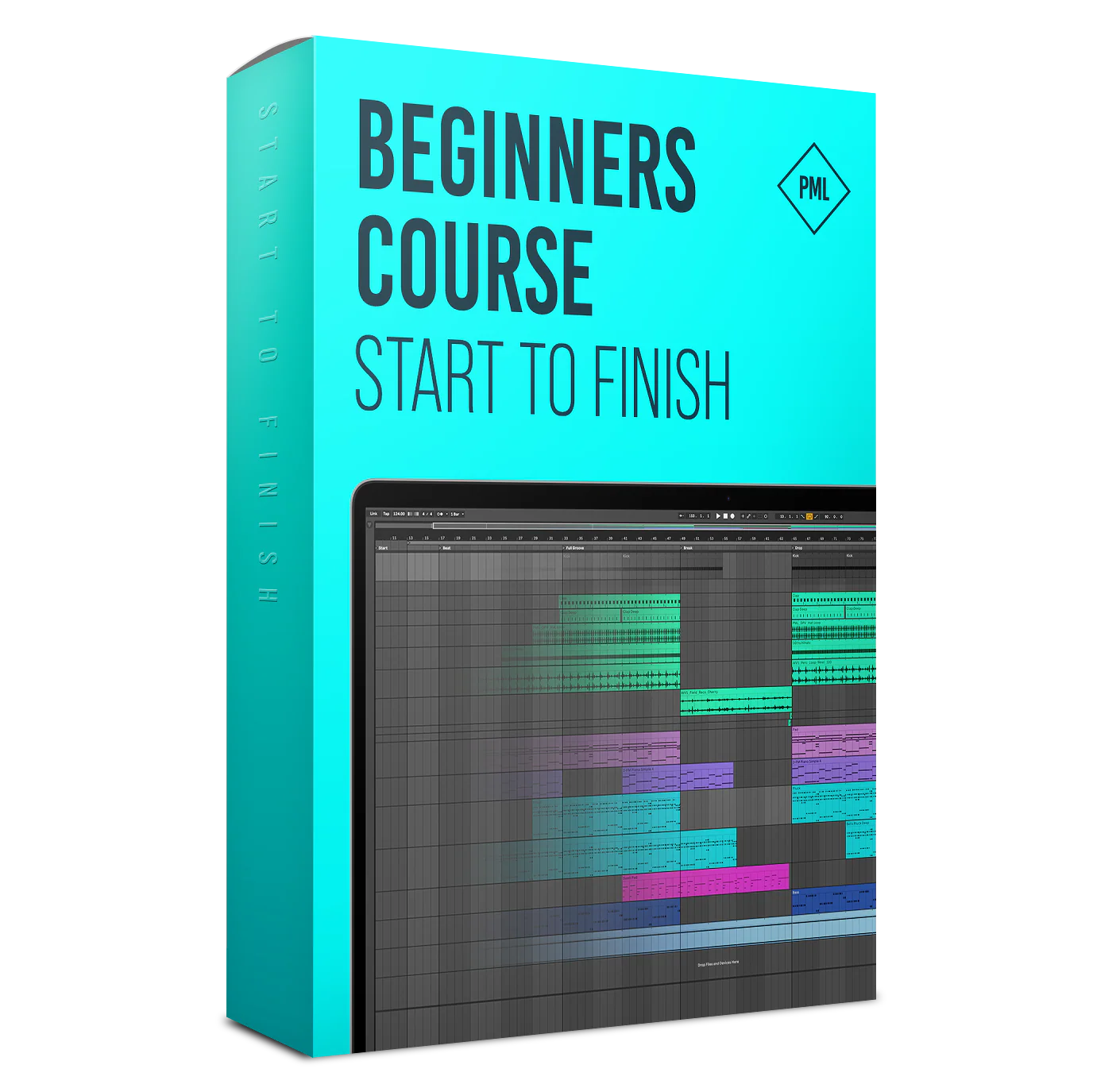
Beginners Course: Ableton Live 11 - Making A Track From Start To Finish
Learn the Complete Production Process

About this Course
After having taken this class you'll have seen a complete production process first hand. Starting from nothing we are creating drums, sounds, fx, chords, arrangements, until we have a finished, mixed & mastered track.
Everything will be explained in detail as we go through all important stages of the production. This course is a super in-depth step by step version of our popular Youtube-Tutorial "Making A Track From Start To Finish in Ableton for Beginners".
What You Get
- A complete beginner friendly start-to-finish course, learn how to produce your first track in Ableton Live.
- 30+ Studio sessions with Francois / PML
- 4h+ online video sessions with lifetime-access
- Bonus: Ableton Project File created in this course (using Ableton Live 11 Suite, no plugins needed) and all samples used are included as well
The Track We Produce
Course Curriculum
- 1.1 - Chords - Getting started in the Session View (6:59)
- 1.2 - Chords - Writing Chords in the Piano Roll (10:50)
- 1.3 - Chords - Creating the Sound in Wavetable and adding Audio Effects (8:48)
- 2 - Piano Sound, Midi editing (12:09)
- 3 - Pluck Notes (14:26)
- 4 - Kick Drum (8:09)
- 5 - Pluck Sound Design with Wavetable (12:43)
- 6 - Basic Bass with Wavetable (11:58)
- 7 - Sidechain (5:03)
- 8 - Editing the Pluck Pattern (Velocity, Filter) (9:44)
- 9.1 - Pad Swell Part 1 (7:40)
- 9.2 - Pad Swell Part 2 (16:22)
- 15 - From Session View to Arrangement View (13:23)
- 16 - Deep Pluck (15:37)
- 17.1 - Basics of Song Arrangement (2:18)
- 17.2 - Arrangement Part 1 (Session A) (10:15)
- 17.3 - Arrangement Part 1 (Session B) (10:19)
- 18 - Transposing the Track (14:09)
- 19.1 - Arrangement Part 2 (Session A) (12:13)
- 19.2 - Arrangement Part 2 (Session B) (10:59)
- 20.1 - Arrangement Part 3 (Session A) (12:29)
- 20.2 - Arrangement Part 3 (Session B) (7:20)
- 21.1 - Adding Ear Candy and Return Channels (Session A) (14:00)
- 21.2 - Adding Ear Candy and Return Channels (Session B) (13:58)
- I - Your First 15 Minutes in Ableton Live (with Tutor Julian) (15:27)
- II - How A Compressor Works (with Tutor Francois) (15:35) Free Preview
- III - What is Side-Chaining? (with Tutor Francois) (10:36)
- IV - How To Move Track Parts From Session View To Arrangement View And Back (with Tutor Francois) (2:57)
- V - How To Load Samples Into Ableton Live (with Tutor Borys) (1:32)
- VI - How to Load VSTs into Ableton Live (with Tutor Borys) (2:34)
- I - What's new in Ableton Live 11? (with Tutor Francois) (40:17)
- II - Making a complete Track START TO FINISH in Ableton Live 11 (1:30h with Tutor Julian) (87:15)
- III - How To Make A Bassline (with Tutor Julian) (10:11)
- IV - How to Make A House Beat (with Tutor Julian) (39:21)
- V - How To Make A Drum Beat (with Tutor Julian) (24:29)
- VII - Bonus Session: Making a Track using a VST Instrument (Xfer Serum) (with Tutor Francois) (27:52)
Join 10,000+ Students
- Adrian M. (via Facebook comment)
-Paul S. (via Facebook comment)
- Denis
Choose Your Course Plan
FAQs and Requirements
When does the course start and finish?
The course starts now and never ends! It is a completely self-paced online course - you
decide
when you start and when
you finish.
How long do I have access to the courses?
How does lifetime access sound?
After enrolling, you have unlimited access to the courses for as long as you like - across
any and all devices you own.
What type of audio files are the samples?
24bit 44.1K WAV Files
What if I am unhappy with my order?
We would never want you to be
unhappy! If you are unsatisfied with your purchase, contact us in the first 48 hours and we
will give you a full refund - due to the digital download nature of the optional sound
packs, we can only refund the courses parts. No refund on bulk / pack orders. One refund per
person.
How do I access course files, if any are included?
If you're getting the
basic course option, a download link will be provided above or below the video of the first
or second lecture of the course (usually named 'Setup & Downloads'). In case you're getting
the course with one of the pack options, the additional packs will be delivered to you via
email.
Where will I be able to log into my course?
The courses are hosted on
another server. Once you've bought a course, you'll be getting a
mail
saying "Redeem your copy
of "Course …"". Follow the "Confirm your account" link in that mail and you will end up on
the
course-platform. There,
you'll need to pick your password and log in. Your profile info will be already prepared for
you. You can then always
log in here:
If you already have a courses account, the new course will be added to your profile (assuming you buy it using the same email address associated with that account). If you have an account but buy a new course using a different email, get in touch and we will manually add it to your existing account.
There is one way of watching videos offline for example if you are travelling with an iPad and you are not always within reach of a stable internet connection: We have activated the option of MyTeachable accounts on our videos so you can watch videos offline through the “Teachable Online Courses” iOS App.
I already own some courses/packs. Can I upgrade?
You already bought some
courses / packs and want to upgrade? Get
in touch for
your custom offer!
Will future courses be automatically added to my bundle?
The bundle is a
snapshot including the available courses and packs at the time of your purchase. Future
courses / packs will not be automatically included.
Is this a subscription to future products?
No. This is a one time payment
for the courses/packs currently included in the bundle
What if I have further questions?
We are available to help you with any
questions, get in touch via:
[email protected]
- This is a practical introduction into Ableton Live, no prior knowledge needed.
- Ableton Live 11 Suite
- no other 3rd party plugins needed
More Images
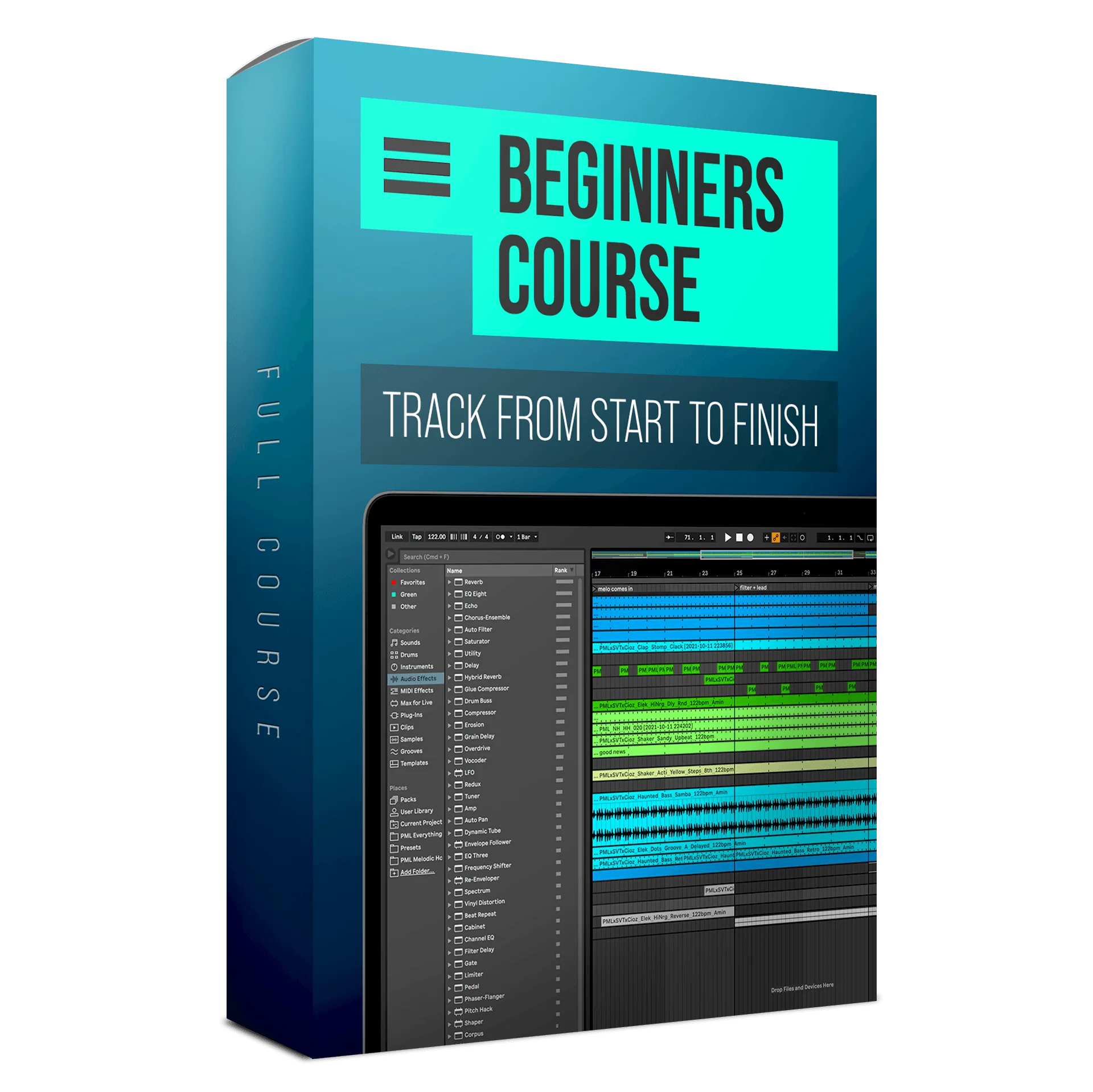
Beginners Course: Ableton Live 11 - Making A Track From Start To Finish
Learn the Complete Production Process
About this Course
After having taken this class you'll have seen a complete production process first hand. Starting from nothing we are creating drums, sounds, fx, chords, arrangements, until we have a finished, mixed & mastered track.
Everything will be explained in detail as we go through all important stages of the production. This course is a super in-depth step by step version of our popular Youtube-Tutorial "Making A Track From Start To Finish in Ableton for Beginners".
What You Get
- A complete beginner friendly start-to-finish course, learn how to produce your first track in Ableton Live.
- 30+ Studio sessions with Francois / PML
- 4h+ online video sessions with lifetime-access
- Bonus: Ableton Project File created in this course (using Ableton Live 11 Suite, no plugins needed) and all samples used are included as well
The Track We Produce
Course Curriculum
- 1.1 - Chords - Getting started in the Session View (6:59)
- 1.2 - Chords - Writing Chords in the Piano Roll (10:50)
- 1.3 - Chords - Creating the Sound in Wavetable and adding Audio Effects (8:48)
- 2 - Piano Sound, Midi editing (12:09)
- 3 - Pluck Notes (14:26)
- 4 - Kick Drum (8:09)
- 5 - Pluck Sound Design with Wavetable (12:43)
- 6 - Basic Bass with Wavetable (11:58)
- 7 - Sidechain (5:03)
- 8 - Editing the Pluck Pattern (Velocity, Filter) (9:44)
- 9.1 - Pad Swell Part 1 (7:40)
- 9.2 - Pad Swell Part 2 (16:22)
- 15 - From Session View to Arrangement View (13:23)
- 16 - Deep Pluck (15:37)
- 17.1 - Basics of Song Arrangement (2:18)
- 17.2 - Arrangement Part 1 (Session A) (10:15)
- 17.3 - Arrangement Part 1 (Session B) (10:19)
- 18 - Transposing the Track (14:09)
- 19.1 - Arrangement Part 2 (Session A) (12:13)
- 19.2 - Arrangement Part 2 (Session B) (10:59)
- 20.1 - Arrangement Part 3 (Session A) (12:29)
- 20.2 - Arrangement Part 3 (Session B) (7:20)
- 21.1 - Adding Ear Candy and Return Channels (Session A) (14:00)
- 21.2 - Adding Ear Candy and Return Channels (Session B) (13:58)
- I - Your First 15 Minutes in Ableton Live (with Tutor Julian) (15:27)
- II - How A Compressor Works (with Tutor Francois) (15:35) Free Preview
- III - What is Side-Chaining? (with Tutor Francois) (10:36)
- IV - How To Move Track Parts From Session View To Arrangement View And Back (with Tutor Francois) (2:57)
- V - How To Load Samples Into Ableton Live (with Tutor Borys) (1:32)
- VI - How to Load VSTs into Ableton Live (with Tutor Borys) (2:34)
- I - What's new in Ableton Live 11? (with Tutor Francois) (40:17)
- II - Making a complete Track START TO FINISH in Ableton Live 11 (1:30h with Tutor Julian) (87:15)
- III - How To Make A Bassline (with Tutor Julian) (10:11)
- IV - How to Make A House Beat (with Tutor Julian) (39:21)
- V - How To Make A Drum Beat (with Tutor Julian) (24:29)
- VII - Bonus Session: Making a Track using a VST Instrument (Xfer Serum) (with Tutor Francois) (27:52)
Join 10,000+ Students
- Adrian M. (via Facebook comment)
-Paul S. (via Facebook comment)
- Denis
Choose Your Course Plan
FAQs and Requirements
When does the course start and finish?
The course starts now and never ends! It is a completely self-paced online course - you
decide
when you start and when
you finish.
How long do I have access to the courses?
How does lifetime access sound?
After enrolling, you have unlimited access to the courses for as long as you like - across
any and all devices you own.
What type of audio files are the samples?
24bit 44.1K WAV Files
What if I am unhappy with my order?
We would never want you to be
unhappy! If you are unsatisfied with your purchase, contact us in the first 48 hours and we
will give you a full refund - due to the digital download nature of the optional sound
packs, we can only refund the courses parts. No refund on bulk / pack orders. One refund per
person.
How do I access course files, if any are included?
If you're getting the
basic course option, a download link will be provided above or below the video of the first
or second lecture of the course (usually named 'Setup & Downloads'). In case you're getting
the course with one of the pack options, the additional packs will be delivered to you via
email.
Where will I be able to log into my course?
The courses are hosted on
another server. Once you've bought a course, you'll be getting a
mail
saying "Redeem your copy
of "Course …"". Follow the "Confirm your account" link in that mail and you will end up on
the
course-platform. There,
you'll need to pick your password and log in. Your profile info will be already prepared for
you. You can then always
log in here:
If you already have a courses account, the new course will be added to your profile (assuming you buy it using the same email address associated with that account). If you have an account but buy a new course using a different email, get in touch and we will manually add it to your existing account.
There is one way of watching videos offline for example if you are travelling with an iPad and you are not always within reach of a stable internet connection: We have activated the option of MyTeachable accounts on our videos so you can watch videos offline through the “Teachable Online Courses” iOS App.
I already own some courses/packs. Can I upgrade?
You already bought some
courses / packs and want to upgrade? Get
in touch for
your custom offer!
Will future courses be automatically added to my bundle?
The bundle is a
snapshot including the available courses and packs at the time of your purchase. Future
courses / packs will not be automatically included.
Is this a subscription to future products?
No. This is a one time payment
for the courses/packs currently included in the bundle
What if I have further questions?
We are available to help you with any
questions, get in touch via:
[email protected]
- This is a practical introduction into Ableton Live, no prior knowledge needed.
- Ableton Live 11 Suite
- no other 3rd party plugins needed
Product Information
Product Information
Shipping & Returns
Shipping & Returns
Description
Learn the Complete Production Process
About this Course
After having taken this class you'll have seen a complete production process first hand. Starting from nothing we are creating drums, sounds, fx, chords, arrangements, until we have a finished, mixed & mastered track.
Everything will be explained in detail as we go through all important stages of the production. This course is a super in-depth step by step version of our popular Youtube-Tutorial "Making A Track From Start To Finish in Ableton for Beginners".
What You Get
- A complete beginner friendly start-to-finish course, learn how to produce your first track in Ableton Live.
- 30+ Studio sessions with Francois / PML
- 4h+ online video sessions with lifetime-access
- Bonus: Ableton Project File created in this course (using Ableton Live 11 Suite, no plugins needed) and all samples used are included as well
The Track We Produce
Course Curriculum
- 1.1 - Chords - Getting started in the Session View (6:59)
- 1.2 - Chords - Writing Chords in the Piano Roll (10:50)
- 1.3 - Chords - Creating the Sound in Wavetable and adding Audio Effects (8:48)
- 2 - Piano Sound, Midi editing (12:09)
- 3 - Pluck Notes (14:26)
- 4 - Kick Drum (8:09)
- 5 - Pluck Sound Design with Wavetable (12:43)
- 6 - Basic Bass with Wavetable (11:58)
- 7 - Sidechain (5:03)
- 8 - Editing the Pluck Pattern (Velocity, Filter) (9:44)
- 9.1 - Pad Swell Part 1 (7:40)
- 9.2 - Pad Swell Part 2 (16:22)
- 15 - From Session View to Arrangement View (13:23)
- 16 - Deep Pluck (15:37)
- 17.1 - Basics of Song Arrangement (2:18)
- 17.2 - Arrangement Part 1 (Session A) (10:15)
- 17.3 - Arrangement Part 1 (Session B) (10:19)
- 18 - Transposing the Track (14:09)
- 19.1 - Arrangement Part 2 (Session A) (12:13)
- 19.2 - Arrangement Part 2 (Session B) (10:59)
- 20.1 - Arrangement Part 3 (Session A) (12:29)
- 20.2 - Arrangement Part 3 (Session B) (7:20)
- 21.1 - Adding Ear Candy and Return Channels (Session A) (14:00)
- 21.2 - Adding Ear Candy and Return Channels (Session B) (13:58)
- I - Your First 15 Minutes in Ableton Live (with Tutor Julian) (15:27)
- II - How A Compressor Works (with Tutor Francois) (15:35) Free Preview
- III - What is Side-Chaining? (with Tutor Francois) (10:36)
- IV - How To Move Track Parts From Session View To Arrangement View And Back (with Tutor Francois) (2:57)
- V - How To Load Samples Into Ableton Live (with Tutor Borys) (1:32)
- VI - How to Load VSTs into Ableton Live (with Tutor Borys) (2:34)
- I - What's new in Ableton Live 11? (with Tutor Francois) (40:17)
- II - Making a complete Track START TO FINISH in Ableton Live 11 (1:30h with Tutor Julian) (87:15)
- III - How To Make A Bassline (with Tutor Julian) (10:11)
- IV - How to Make A House Beat (with Tutor Julian) (39:21)
- V - How To Make A Drum Beat (with Tutor Julian) (24:29)
- VII - Bonus Session: Making a Track using a VST Instrument (Xfer Serum) (with Tutor Francois) (27:52)
Join 10,000+ Students
- Adrian M. (via Facebook comment)
-Paul S. (via Facebook comment)
- Denis
Choose Your Course Plan
FAQs and Requirements
When does the course start and finish?
The course starts now and never ends! It is a completely self-paced online course - you
decide
when you start and when
you finish.
How long do I have access to the courses?
How does lifetime access sound?
After enrolling, you have unlimited access to the courses for as long as you like - across
any and all devices you own.
What type of audio files are the samples?
24bit 44.1K WAV Files
What if I am unhappy with my order?
We would never want you to be
unhappy! If you are unsatisfied with your purchase, contact us in the first 48 hours and we
will give you a full refund - due to the digital download nature of the optional sound
packs, we can only refund the courses parts. No refund on bulk / pack orders. One refund per
person.
How do I access course files, if any are included?
If you're getting the
basic course option, a download link will be provided above or below the video of the first
or second lecture of the course (usually named 'Setup & Downloads'). In case you're getting
the course with one of the pack options, the additional packs will be delivered to you via
email.
Where will I be able to log into my course?
The courses are hosted on
another server. Once you've bought a course, you'll be getting a
mail
saying "Redeem your copy
of "Course …"". Follow the "Confirm your account" link in that mail and you will end up on
the
course-platform. There,
you'll need to pick your password and log in. Your profile info will be already prepared for
you. You can then always
log in here:
If you already have a courses account, the new course will be added to your profile (assuming you buy it using the same email address associated with that account). If you have an account but buy a new course using a different email, get in touch and we will manually add it to your existing account.
There is one way of watching videos offline for example if you are travelling with an iPad and you are not always within reach of a stable internet connection: We have activated the option of MyTeachable accounts on our videos so you can watch videos offline through the “Teachable Online Courses” iOS App.
I already own some courses/packs. Can I upgrade?
You already bought some
courses / packs and want to upgrade? Get
in touch for
your custom offer!
Will future courses be automatically added to my bundle?
The bundle is a
snapshot including the available courses and packs at the time of your purchase. Future
courses / packs will not be automatically included.
Is this a subscription to future products?
No. This is a one time payment
for the courses/packs currently included in the bundle
What if I have further questions?
We are available to help you with any
questions, get in touch via:
[email protected]
- This is a practical introduction into Ableton Live, no prior knowledge needed.
- Ableton Live 11 Suite
- no other 3rd party plugins needed