Choose Your Course Plan
\nFAQs and Requirements
\nWhen does the course start and finish?\n
The course starts now and never ends! It is a completely self-paced online course - you\n decide\n when you start and when\n you finish.\n
How long do I have access to the courses?
How does lifetime access sound?\n After enrolling, you have unlimited access to the courses for as long as you like - across\n any and all devices you own.
What type of audio files are the samples?
24bit 44.1K WAV Files
What if I am unhappy with my order?
We would never want you to be\n unhappy! If you are unsatisfied with your purchase, contact us in the first 48 hours and we\n will give you a full refund - due to the digital download nature of the optional sound\n packs, we can only refund the courses parts. No refund on bulk / pack orders. One refund per\n person.
How do I access course files, if any are included?
If you're getting the\n basic course option, a download link will be provided above or below the video of the first\n or second lecture of the course (usually named 'Setup & Downloads'). In case you're getting\n the course with one of the pack options, the additional packs will be delivered to you via\n email.
Where will I be able to log into my course?
The courses are hosted on\n another server. Once you've bought a course, you'll be getting a\n mail\n saying \"Redeem your copy\n of \"Course …\"\". Follow the \"Confirm your account\" link in that mail and you will end up on\n the\n course-platform. There,\n you'll need to pick your password and log in. Your profile info will be already prepared for\n you. You can then always\n log in here:
If you already have a courses account, the new course will be added to your profile (assuming\n you\n buy it using the same\n email address associated with that account). If you have an account but buy a new course\n using a\n different email, get in\n touch and we will manually add it to your existing account.
\nThere is one way of watching videos offline for example if you are travelling with an iPad\n and\n you are not always within\n reach of a stable internet connection: We have activated the option of MyTeachable accounts\n on\n our videos so you can\n watch videos offline through the “Teachable Online Courses” iOS App.
\nI already own some courses/packs. Can I upgrade?
You already bought some\n courses / packs and want to upgrade? Get\n in touch for\n your custom offer!
Will future courses be automatically added to my bundle?
The bundle is a\n snapshot including the available courses and packs at the time of your purchase. Future\n courses / packs will not be automatically included.
Is this a subscription to future products?
No. This is a one time payment\n for the courses/packs currently included in the bundle
What if I have further questions?
We are available to help you with any\n questions, get in touch via:\n [email protected]
- \n
- Ableton Live 10.1 \n
- Serum \n
- Optional: Soundtoys, Valhalla, iZotope Ozone 9 \n
We use these plugin to produce the best version of the track possible, but we show the stock/free\n alternatives.\n Ableton Only project is included.
\n\n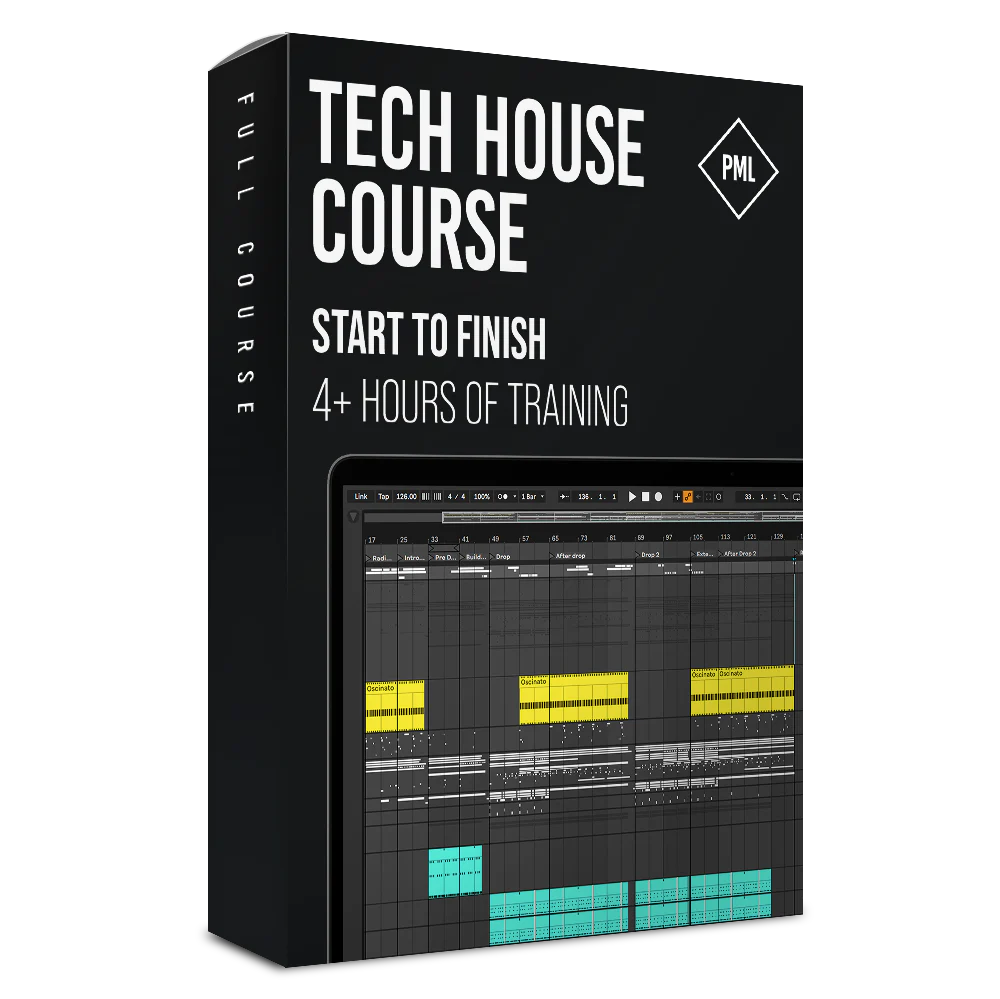
Tech House from Start to Finish Course in Ableton Live
Learn to Produce Tech House

About this Course
In this course you will learn how to produce heavy Tech House with modern Bass elements in style of Confession & Blanc..
Your tutor Nervz gives you an exclusive look into his production process, shares his tips, tricks and project files and guides you from your first kick to a mastered Tech/Bass House track as if you were sitting side by side in the studio.
What You Get
- 4+ hour Full Start to Finish Course in 4k
- 30 in depth sessions from the first sketch to a finished master
- Ableton Project Files included

Inside this Course:

Start to Finish
Learn all steps to produce a Tech House banger - from an empty project file to a finished master. We explain everything in detail as if we are sitting next to you. You will know exactly what to do to achieve floor filling tracks!

Make it Bounce
Tech House is all about the bounce. You will learn which kicks work and how to process them. Which bass sound design and hi hat you need to make people dance or how important it is to add a little swing to make it groove.

Club-ready Quality
After this class you will know how to emphasise your low end without blowing your speakers, how to add depth and atmosphere and how to process spoken word vocals that sit right and the mix. Your track will be ready for the club!
Course Curriculum
- 2 - Designing the Fundamental - Oscinato (4:08)
- 3 - Designing the Kick Drum (5:37)
- 4 - Elementary Clap (2:01)
- 5 - Hats - Unusual Approach (6:14)
- 6 - First Rough Arrangement & Automations (5:22)
- 7 - Designing First Bass Sound (4:43)
- 8 - Sub Bass - Sound Design & Writing Midi (8:02)
- 9 - Designing Drop Sub + Powerful Layer Trick (4:40)
- 10 - Bass Layers (6:49)
- 11 - Continuing Arrangement & Automations (3:46)
- 12 - Making The Drop Powerful - Stabs (8:48)
- 13 - Reverb Throws on Basses (2:56)
- 14 - Adding Miscalenious Part 1 (8:45)
- 15 - Adding Miscalenious Part 2 (6:31)
- 16 - Listening to what we got so far (1:32)
Choose Your Course Plan
FAQs and Requirements
When does the course start and finish?
The course starts now and never ends! It is a completely self-paced online course - you
decide
when you start and when
you finish.
How long do I have access to the courses?
How does lifetime access sound?
After enrolling, you have unlimited access to the courses for as long as you like - across
any and all devices you own.
What type of audio files are the samples?
24bit 44.1K WAV Files
What if I am unhappy with my order?
We would never want you to be
unhappy! If you are unsatisfied with your purchase, contact us in the first 48 hours and we
will give you a full refund - due to the digital download nature of the optional sound
packs, we can only refund the courses parts. No refund on bulk / pack orders. One refund per
person.
How do I access course files, if any are included?
If you're getting the
basic course option, a download link will be provided above or below the video of the first
or second lecture of the course (usually named 'Setup & Downloads'). In case you're getting
the course with one of the pack options, the additional packs will be delivered to you via
email.
Where will I be able to log into my course?
The courses are hosted on
another server. Once you've bought a course, you'll be getting a
mail
saying "Redeem your copy
of "Course …"". Follow the "Confirm your account" link in that mail and you will end up on
the
course-platform. There,
you'll need to pick your password and log in. Your profile info will be already prepared for
you. You can then always
log in here:
If you already have a courses account, the new course will be added to your profile (assuming you buy it using the same email address associated with that account). If you have an account but buy a new course using a different email, get in touch and we will manually add it to your existing account.
There is one way of watching videos offline for example if you are travelling with an iPad and you are not always within reach of a stable internet connection: We have activated the option of MyTeachable accounts on our videos so you can watch videos offline through the “Teachable Online Courses” iOS App.
I already own some courses/packs. Can I upgrade?
You already bought some
courses / packs and want to upgrade? Get
in touch for
your custom offer!
Will future courses be automatically added to my bundle?
The bundle is a
snapshot including the available courses and packs at the time of your purchase. Future
courses / packs will not be automatically included.
Is this a subscription to future products?
No. This is a one time payment
for the courses/packs currently included in the bundle
What if I have further questions?
We are available to help you with any
questions, get in touch via:
[email protected]
- Ableton Live 10.1
- Serum
- Optional: Soundtoys, Valhalla, iZotope Ozone 9
We use these plugin to produce the best version of the track possible, but we show the stock/free alternatives. Ableton Only project is included.
Original: $65.66
-70%$65.66
$19.70More Images
Tech House from Start to Finish Course in Ableton Live
Learn to Produce Tech House
About this Course
In this course you will learn how to produce heavy Tech House with modern Bass elements in style of Confession & Blanc..
Your tutor Nervz gives you an exclusive look into his production process, shares his tips, tricks and project files and guides you from your first kick to a mastered Tech/Bass House track as if you were sitting side by side in the studio.
What You Get
- 4+ hour Full Start to Finish Course in 4k
- 30 in depth sessions from the first sketch to a finished master
- Ableton Project Files included
Inside this Course:
Start to Finish
Learn all steps to produce a Tech House banger - from an empty project file to a finished master. We explain everything in detail as if we are sitting next to you. You will know exactly what to do to achieve floor filling tracks!
Make it Bounce
Tech House is all about the bounce. You will learn which kicks work and how to process them. Which bass sound design and hi hat you need to make people dance or how important it is to add a little swing to make it groove.
Club-ready Quality
After this class you will know how to emphasise your low end without blowing your speakers, how to add depth and atmosphere and how to process spoken word vocals that sit right and the mix. Your track will be ready for the club!
Course Curriculum
- 2 - Designing the Fundamental - Oscinato (4:08)
- 3 - Designing the Kick Drum (5:37)
- 4 - Elementary Clap (2:01)
- 5 - Hats - Unusual Approach (6:14)
- 6 - First Rough Arrangement & Automations (5:22)
- 7 - Designing First Bass Sound (4:43)
- 8 - Sub Bass - Sound Design & Writing Midi (8:02)
- 9 - Designing Drop Sub + Powerful Layer Trick (4:40)
- 10 - Bass Layers (6:49)
- 11 - Continuing Arrangement & Automations (3:46)
- 12 - Making The Drop Powerful - Stabs (8:48)
- 13 - Reverb Throws on Basses (2:56)
- 14 - Adding Miscalenious Part 1 (8:45)
- 15 - Adding Miscalenious Part 2 (6:31)
- 16 - Listening to what we got so far (1:32)
Choose Your Course Plan
FAQs and Requirements
When does the course start and finish?
The course starts now and never ends! It is a completely self-paced online course - you
decide
when you start and when
you finish.
How long do I have access to the courses?
How does lifetime access sound?
After enrolling, you have unlimited access to the courses for as long as you like - across
any and all devices you own.
What type of audio files are the samples?
24bit 44.1K WAV Files
What if I am unhappy with my order?
We would never want you to be
unhappy! If you are unsatisfied with your purchase, contact us in the first 48 hours and we
will give you a full refund - due to the digital download nature of the optional sound
packs, we can only refund the courses parts. No refund on bulk / pack orders. One refund per
person.
How do I access course files, if any are included?
If you're getting the
basic course option, a download link will be provided above or below the video of the first
or second lecture of the course (usually named 'Setup & Downloads'). In case you're getting
the course with one of the pack options, the additional packs will be delivered to you via
email.
Where will I be able to log into my course?
The courses are hosted on
another server. Once you've bought a course, you'll be getting a
mail
saying "Redeem your copy
of "Course …"". Follow the "Confirm your account" link in that mail and you will end up on
the
course-platform. There,
you'll need to pick your password and log in. Your profile info will be already prepared for
you. You can then always
log in here:
If you already have a courses account, the new course will be added to your profile (assuming you buy it using the same email address associated with that account). If you have an account but buy a new course using a different email, get in touch and we will manually add it to your existing account.
There is one way of watching videos offline for example if you are travelling with an iPad and you are not always within reach of a stable internet connection: We have activated the option of MyTeachable accounts on our videos so you can watch videos offline through the “Teachable Online Courses” iOS App.
I already own some courses/packs. Can I upgrade?
You already bought some
courses / packs and want to upgrade? Get
in touch for
your custom offer!
Will future courses be automatically added to my bundle?
The bundle is a
snapshot including the available courses and packs at the time of your purchase. Future
courses / packs will not be automatically included.
Is this a subscription to future products?
No. This is a one time payment
for the courses/packs currently included in the bundle
What if I have further questions?
We are available to help you with any
questions, get in touch via:
[email protected]
- Ableton Live 10.1
- Serum
- Optional: Soundtoys, Valhalla, iZotope Ozone 9
We use these plugin to produce the best version of the track possible, but we show the stock/free alternatives. Ableton Only project is included.
Product Information
Product Information
Shipping & Returns
Shipping & Returns
Description
Learn to Produce Tech House
About this Course
In this course you will learn how to produce heavy Tech House with modern Bass elements in style of Confession & Blanc..
Your tutor Nervz gives you an exclusive look into his production process, shares his tips, tricks and project files and guides you from your first kick to a mastered Tech/Bass House track as if you were sitting side by side in the studio.
What You Get
- 4+ hour Full Start to Finish Course in 4k
- 30 in depth sessions from the first sketch to a finished master
- Ableton Project Files included
Inside this Course:
Start to Finish
Learn all steps to produce a Tech House banger - from an empty project file to a finished master. We explain everything in detail as if we are sitting next to you. You will know exactly what to do to achieve floor filling tracks!
Make it Bounce
Tech House is all about the bounce. You will learn which kicks work and how to process them. Which bass sound design and hi hat you need to make people dance or how important it is to add a little swing to make it groove.
Club-ready Quality
After this class you will know how to emphasise your low end without blowing your speakers, how to add depth and atmosphere and how to process spoken word vocals that sit right and the mix. Your track will be ready for the club!
Course Curriculum
- 2 - Designing the Fundamental - Oscinato (4:08)
- 3 - Designing the Kick Drum (5:37)
- 4 - Elementary Clap (2:01)
- 5 - Hats - Unusual Approach (6:14)
- 6 - First Rough Arrangement & Automations (5:22)
- 7 - Designing First Bass Sound (4:43)
- 8 - Sub Bass - Sound Design & Writing Midi (8:02)
- 9 - Designing Drop Sub + Powerful Layer Trick (4:40)
- 10 - Bass Layers (6:49)
- 11 - Continuing Arrangement & Automations (3:46)
- 12 - Making The Drop Powerful - Stabs (8:48)
- 13 - Reverb Throws on Basses (2:56)
- 14 - Adding Miscalenious Part 1 (8:45)
- 15 - Adding Miscalenious Part 2 (6:31)
- 16 - Listening to what we got so far (1:32)
Choose Your Course Plan
FAQs and Requirements
When does the course start and finish?
The course starts now and never ends! It is a completely self-paced online course - you
decide
when you start and when
you finish.
How long do I have access to the courses?
How does lifetime access sound?
After enrolling, you have unlimited access to the courses for as long as you like - across
any and all devices you own.
What type of audio files are the samples?
24bit 44.1K WAV Files
What if I am unhappy with my order?
We would never want you to be
unhappy! If you are unsatisfied with your purchase, contact us in the first 48 hours and we
will give you a full refund - due to the digital download nature of the optional sound
packs, we can only refund the courses parts. No refund on bulk / pack orders. One refund per
person.
How do I access course files, if any are included?
If you're getting the
basic course option, a download link will be provided above or below the video of the first
or second lecture of the course (usually named 'Setup & Downloads'). In case you're getting
the course with one of the pack options, the additional packs will be delivered to you via
email.
Where will I be able to log into my course?
The courses are hosted on
another server. Once you've bought a course, you'll be getting a
mail
saying "Redeem your copy
of "Course …"". Follow the "Confirm your account" link in that mail and you will end up on
the
course-platform. There,
you'll need to pick your password and log in. Your profile info will be already prepared for
you. You can then always
log in here:
If you already have a courses account, the new course will be added to your profile (assuming you buy it using the same email address associated with that account). If you have an account but buy a new course using a different email, get in touch and we will manually add it to your existing account.
There is one way of watching videos offline for example if you are travelling with an iPad and you are not always within reach of a stable internet connection: We have activated the option of MyTeachable accounts on our videos so you can watch videos offline through the “Teachable Online Courses” iOS App.
I already own some courses/packs. Can I upgrade?
You already bought some
courses / packs and want to upgrade? Get
in touch for
your custom offer!
Will future courses be automatically added to my bundle?
The bundle is a
snapshot including the available courses and packs at the time of your purchase. Future
courses / packs will not be automatically included.
Is this a subscription to future products?
No. This is a one time payment
for the courses/packs currently included in the bundle
What if I have further questions?
We are available to help you with any
questions, get in touch via:
[email protected]
- Ableton Live 10.1
- Serum
- Optional: Soundtoys, Valhalla, iZotope Ozone 9
We use these plugin to produce the best version of the track possible, but we show the stock/free alternatives. Ableton Only project is included.