Get Now
\nFAQs and Requirements
\nWhen does the course start and finish?
The course starts now and\n never ends! It is a completely self-paced online course - you decide when you start\n and when you finish.
How long do I have access to the courses?
How does lifetime\n access sound? After enrolling, you have unlimited access to the courses for as long\n as you like - across any and all devices you own.
How do I download files?
After purchase you will receive an email\n with your personal download link - it will be sent to the email you use for the\n purchase. If you don’t see it, quickly check your spam folder and if you have any\n issues, email [email protected].
What if I am unhappy with my order?
We would never want you to be\n unhappy! If you are unsatisfied with your purchase, contact us in the first 48 hours\n and we will give you a full refund - due to the digital download nature of the\n optional sound packs, we can only refund the courses parts. No refund on bulk / pack\n orders. One refund per person.
How do I access course files, if any are included?
If you're\n getting the basic course option, a download link will be provided above or below the\n video of the first or second lecture of the course (usually named 'Setup &\n Downloads'). In case you're getting the course with one of the pack options, the\n additional packs will be delivered to you via email.
Where will I be able to log into my course?
The courses are\n hosted on another server. Once you've bought a course, you'll be getting a mail\n saying \"Redeem your copy of \"Course …\"\". Follow the \"Confirm your account\" link in\n that mail and you will end up on the course-platform. There, you'll need to pick\n your password and log in. Your profile info will be already prepared for you. You\n can then always log in here:
If you already have a courses account, the new course will be added to your profile\n (assuming you buy it using the same email address associated with that account). If\n you have an account but buy a new course using a different email, get in touch and\n we will manually add it to your existing account.
\nThere is one way of watching videos offline for example if you are traveling with an\n iPad and you are not always within reach of a stable internet connection: We have\n activated the option of MyTeachable accounts on our videos so you can watch videos\n offline through the “Teachable Online Courses” iOS App.
\nI already own some courses/packs. Can I upgrade?
You already\n bought some courses / packs and want to upgrade? Get\n in touch for your custom offer!
What if I have further questions?
We are available to help you\n with any questions, get in touch via: [email protected]
- \n
- Ableton Live 11.1 Suite (or higher) \n
- Serum2 V. 2.0.20 (or higher) \n
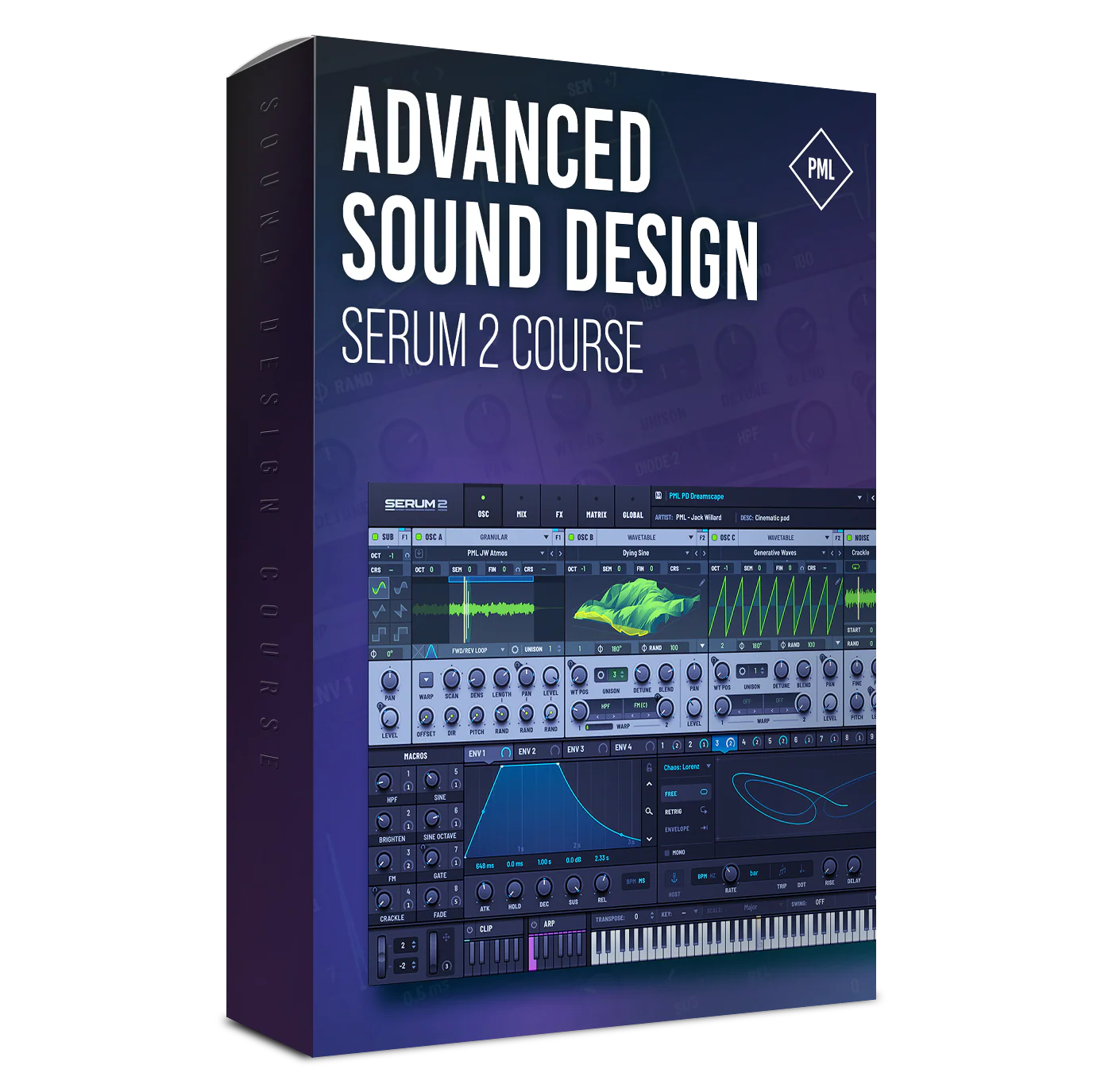
Course: Advanced Sound Design with Serum 2
Unlock the Power of Serum 2
Build the sounds you hear in your head—fast, clean, and pro-level.

About this Course
This course dives straight into advanced sound design with Serum 2 — from rich atmospheres and rhythmic basses to lush pads and transitions.
Learn to unlock Serum 2’s newest features like convolution reverb, built-in ARP, advanced routing, and stacked modulation — and how to shape, resample, and process sounds that truly fill out a mix. By the end, you'll have a rock-solid foundation in designing sounds in Serum 2.
Required Software: Serum2 V. 2.0.20 (or higher) to follow along
What You Are Getting
- 2h+ of advanced sound design in Serum 2
- Create atmospheres, pads, basses, leads & FX
- Resample, freeze, reverse, and process audio in Ableton
- Add depth with granular and convolution effects
- Layer oscillators, noise, and modulation like a pro
- Warm up sounds with pitch drift, pink noise & reverb
- Build movement with stacked LFOs and modulation
- Design bold leads, plucks & stabs with filters & distortion
- Explore Serum 2’s new routing, FX & oscillator features
Sounds Made in this Course
Course Impressions


Course Curriculum
- I. - Introduction (+ Downloads) (0:47)
- 1. Designing Lush Atmospheres: Filling the Mix with Depth (17:52)
- 2. Creative Atmos Resampling: Transforming Sounds into Unique Textures (10:21)
- 2. Creative Resampling Atmos (10:21)
- 3a. Creating a Pluck Bass: Punchy with Character (9:20)
- 3b. Processing Pluck Bass with FX: Enhancing Punch, Space, and Tone (14:33)
- 4. Smooth Sustained Bass with Modwheel: Adding Movement and Dynamics (5:54)
- 5. Organic Lead Pluck: Natural Tone with Expressive Attack (10:23)
- 6. Creating a Spacey Pad: Wide, Airy Textures for Ambient Depth (12:29)
- 7. Designing a Warm Pad: Rhodes style (6:55)
- 8. Making a Rhythmic Pad: Stacked LFOs for Energetic, Pulsing Movement (11:40) Free Preview
- 9. Designing a Brass Stab: Aggressive Synth for Impact (10:24)
- 10. Creating a Soaring Lead: High-Energy Synth for Melodic Peaks (10:54)
- 11. Adding Transition Elements: FX for Tension and Release (17:27)

Your Instructor...

Jack Willard
Jack Willard is a producer and guitarist from the USA, known for his progressive sound and finely detailed production style. With releases on Colorize, Purified Records, and Enhanced, his music has been featured on Above & Beyond’s Group Therapy, Sirius XM Chill, and BBC Radio One. A dedicated sound designer, Jack brings his signature blend of emotional depth and modern melodic precision to every preset in this pack–each one built to inspire and evolve.
Get Now
FAQs and Requirements
When does the course start and finish?
The course starts now and
never ends! It is a completely self-paced online course - you decide when you start
and when you finish.
How long do I have access to the courses?
How does lifetime
access sound? After enrolling, you have unlimited access to the courses for as long
as you like - across any and all devices you own.
How do I download files?
After purchase you will receive an email
with your personal download link - it will be sent to the email you use for the
purchase. If you don’t see it, quickly check your spam folder and if you have any
issues, email [email protected].
What if I am unhappy with my order?
We would never want you to be
unhappy! If you are unsatisfied with your purchase, contact us in the first 48 hours
and we will give you a full refund - due to the digital download nature of the
optional sound packs, we can only refund the courses parts. No refund on bulk / pack
orders. One refund per person.
How do I access course files, if any are included?
If you're
getting the basic course option, a download link will be provided above or below the
video of the first or second lecture of the course (usually named 'Setup &
Downloads'). In case you're getting the course with one of the pack options, the
additional packs will be delivered to you via email.
Where will I be able to log into my course?
The courses are
hosted on another server. Once you've bought a course, you'll be getting a mail
saying "Redeem your copy of "Course …"". Follow the "Confirm your account" link in
that mail and you will end up on the course-platform. There, you'll need to pick
your password and log in. Your profile info will be already prepared for you. You
can then always log in here:
If you already have a courses account, the new course will be added to your profile (assuming you buy it using the same email address associated with that account). If you have an account but buy a new course using a different email, get in touch and we will manually add it to your existing account.
There is one way of watching videos offline for example if you are traveling with an iPad and you are not always within reach of a stable internet connection: We have activated the option of MyTeachable accounts on our videos so you can watch videos offline through the “Teachable Online Courses” iOS App.
I already own some courses/packs. Can I upgrade?
You already
bought some courses / packs and want to upgrade? Get
in touch for your custom offer!
What if I have further questions?
We are available to help you
with any questions, get in touch via: [email protected]
- Ableton Live 11.1 Suite (or higher)
- Serum2 V. 2.0.20 (or higher)
Original: $54.14
-70%$54.14
$16.24More Images
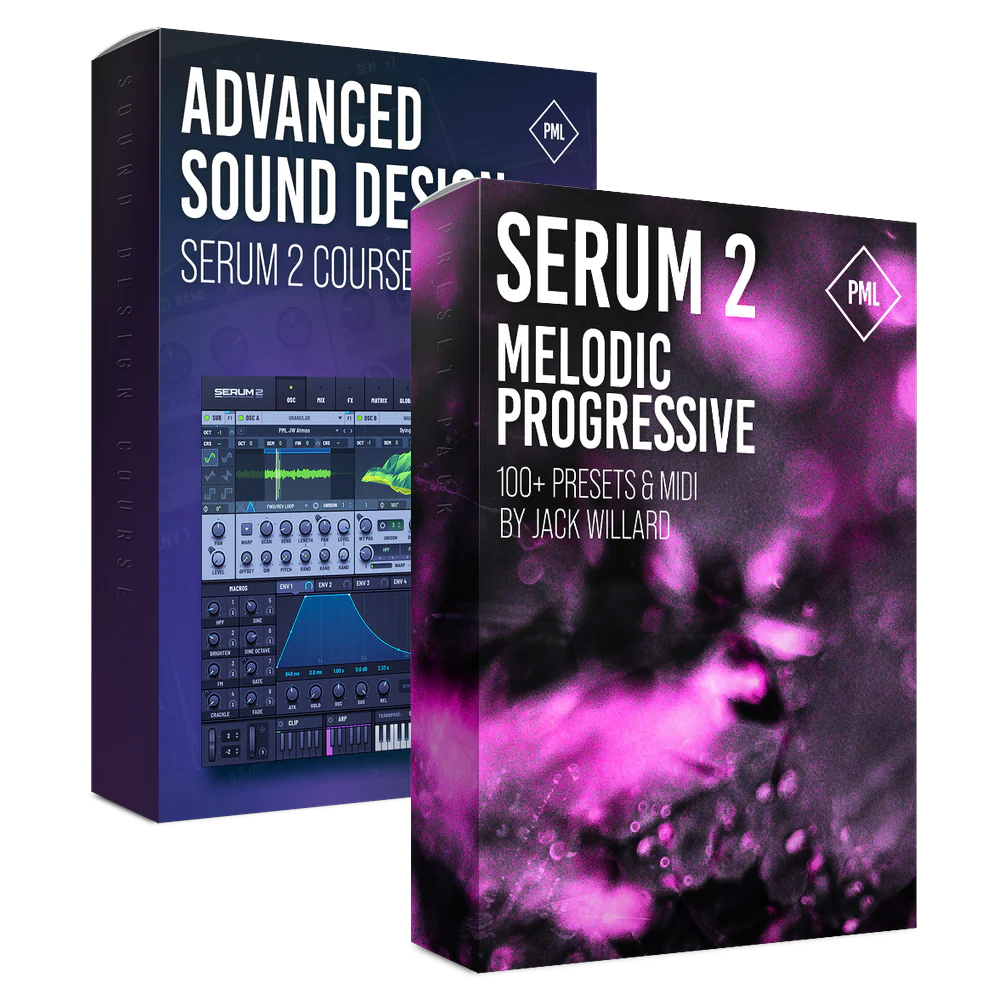
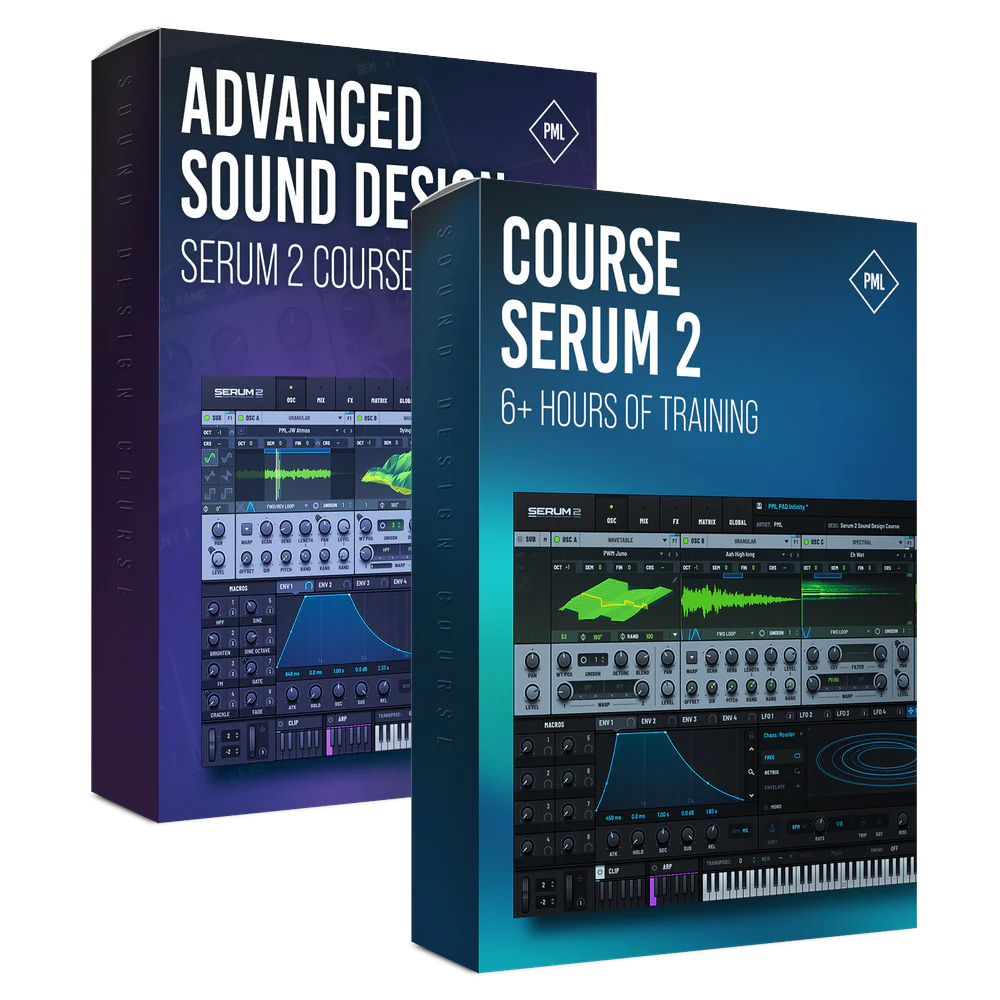
Course: Advanced Sound Design with Serum 2
Unlock the Power of Serum 2
Build the sounds you hear in your head—fast, clean, and pro-level.
About this Course
This course dives straight into advanced sound design with Serum 2 — from rich atmospheres and rhythmic basses to lush pads and transitions.
Learn to unlock Serum 2’s newest features like convolution reverb, built-in ARP, advanced routing, and stacked modulation — and how to shape, resample, and process sounds that truly fill out a mix. By the end, you'll have a rock-solid foundation in designing sounds in Serum 2.
Required Software: Serum2 V. 2.0.20 (or higher) to follow along
What You Are Getting
- 2h+ of advanced sound design in Serum 2
- Create atmospheres, pads, basses, leads & FX
- Resample, freeze, reverse, and process audio in Ableton
- Add depth with granular and convolution effects
- Layer oscillators, noise, and modulation like a pro
- Warm up sounds with pitch drift, pink noise & reverb
- Build movement with stacked LFOs and modulation
- Design bold leads, plucks & stabs with filters & distortion
- Explore Serum 2’s new routing, FX & oscillator features
Sounds Made in this Course
Course Impressions
Course Curriculum
- I. - Introduction (+ Downloads) (0:47)
- 1. Designing Lush Atmospheres: Filling the Mix with Depth (17:52)
- 2. Creative Atmos Resampling: Transforming Sounds into Unique Textures (10:21)
- 2. Creative Resampling Atmos (10:21)
- 3a. Creating a Pluck Bass: Punchy with Character (9:20)
- 3b. Processing Pluck Bass with FX: Enhancing Punch, Space, and Tone (14:33)
- 4. Smooth Sustained Bass with Modwheel: Adding Movement and Dynamics (5:54)
- 5. Organic Lead Pluck: Natural Tone with Expressive Attack (10:23)
- 6. Creating a Spacey Pad: Wide, Airy Textures for Ambient Depth (12:29)
- 7. Designing a Warm Pad: Rhodes style (6:55)
- 8. Making a Rhythmic Pad: Stacked LFOs for Energetic, Pulsing Movement (11:40) Free Preview
- 9. Designing a Brass Stab: Aggressive Synth for Impact (10:24)
- 10. Creating a Soaring Lead: High-Energy Synth for Melodic Peaks (10:54)
- 11. Adding Transition Elements: FX for Tension and Release (17:27)
Your Instructor...
Jack Willard
Jack Willard is a producer and guitarist from the USA, known for his progressive sound and finely detailed production style. With releases on Colorize, Purified Records, and Enhanced, his music has been featured on Above & Beyond’s Group Therapy, Sirius XM Chill, and BBC Radio One. A dedicated sound designer, Jack brings his signature blend of emotional depth and modern melodic precision to every preset in this pack–each one built to inspire and evolve.
Get Now
FAQs and Requirements
When does the course start and finish?
The course starts now and
never ends! It is a completely self-paced online course - you decide when you start
and when you finish.
How long do I have access to the courses?
How does lifetime
access sound? After enrolling, you have unlimited access to the courses for as long
as you like - across any and all devices you own.
How do I download files?
After purchase you will receive an email
with your personal download link - it will be sent to the email you use for the
purchase. If you don’t see it, quickly check your spam folder and if you have any
issues, email [email protected].
What if I am unhappy with my order?
We would never want you to be
unhappy! If you are unsatisfied with your purchase, contact us in the first 48 hours
and we will give you a full refund - due to the digital download nature of the
optional sound packs, we can only refund the courses parts. No refund on bulk / pack
orders. One refund per person.
How do I access course files, if any are included?
If you're
getting the basic course option, a download link will be provided above or below the
video of the first or second lecture of the course (usually named 'Setup &
Downloads'). In case you're getting the course with one of the pack options, the
additional packs will be delivered to you via email.
Where will I be able to log into my course?
The courses are
hosted on another server. Once you've bought a course, you'll be getting a mail
saying "Redeem your copy of "Course …"". Follow the "Confirm your account" link in
that mail and you will end up on the course-platform. There, you'll need to pick
your password and log in. Your profile info will be already prepared for you. You
can then always log in here:
If you already have a courses account, the new course will be added to your profile (assuming you buy it using the same email address associated with that account). If you have an account but buy a new course using a different email, get in touch and we will manually add it to your existing account.
There is one way of watching videos offline for example if you are traveling with an iPad and you are not always within reach of a stable internet connection: We have activated the option of MyTeachable accounts on our videos so you can watch videos offline through the “Teachable Online Courses” iOS App.
I already own some courses/packs. Can I upgrade?
You already
bought some courses / packs and want to upgrade? Get
in touch for your custom offer!
What if I have further questions?
We are available to help you
with any questions, get in touch via: [email protected]
- Ableton Live 11.1 Suite (or higher)
- Serum2 V. 2.0.20 (or higher)
Product Information
Product Information
Shipping & Returns
Shipping & Returns
Description
Unlock the Power of Serum 2
Build the sounds you hear in your head—fast, clean, and pro-level.
About this Course
This course dives straight into advanced sound design with Serum 2 — from rich atmospheres and rhythmic basses to lush pads and transitions.
Learn to unlock Serum 2’s newest features like convolution reverb, built-in ARP, advanced routing, and stacked modulation — and how to shape, resample, and process sounds that truly fill out a mix. By the end, you'll have a rock-solid foundation in designing sounds in Serum 2.
Required Software: Serum2 V. 2.0.20 (or higher) to follow along
What You Are Getting
- 2h+ of advanced sound design in Serum 2
- Create atmospheres, pads, basses, leads & FX
- Resample, freeze, reverse, and process audio in Ableton
- Add depth with granular and convolution effects
- Layer oscillators, noise, and modulation like a pro
- Warm up sounds with pitch drift, pink noise & reverb
- Build movement with stacked LFOs and modulation
- Design bold leads, plucks & stabs with filters & distortion
- Explore Serum 2’s new routing, FX & oscillator features
Sounds Made in this Course
Course Impressions
Course Curriculum
- I. - Introduction (+ Downloads) (0:47)
- 1. Designing Lush Atmospheres: Filling the Mix with Depth (17:52)
- 2. Creative Atmos Resampling: Transforming Sounds into Unique Textures (10:21)
- 2. Creative Resampling Atmos (10:21)
- 3a. Creating a Pluck Bass: Punchy with Character (9:20)
- 3b. Processing Pluck Bass with FX: Enhancing Punch, Space, and Tone (14:33)
- 4. Smooth Sustained Bass with Modwheel: Adding Movement and Dynamics (5:54)
- 5. Organic Lead Pluck: Natural Tone with Expressive Attack (10:23)
- 6. Creating a Spacey Pad: Wide, Airy Textures for Ambient Depth (12:29)
- 7. Designing a Warm Pad: Rhodes style (6:55)
- 8. Making a Rhythmic Pad: Stacked LFOs for Energetic, Pulsing Movement (11:40) Free Preview
- 9. Designing a Brass Stab: Aggressive Synth for Impact (10:24)
- 10. Creating a Soaring Lead: High-Energy Synth for Melodic Peaks (10:54)
- 11. Adding Transition Elements: FX for Tension and Release (17:27)
Your Instructor...
Jack Willard
Jack Willard is a producer and guitarist from the USA, known for his progressive sound and finely detailed production style. With releases on Colorize, Purified Records, and Enhanced, his music has been featured on Above & Beyond’s Group Therapy, Sirius XM Chill, and BBC Radio One. A dedicated sound designer, Jack brings his signature blend of emotional depth and modern melodic precision to every preset in this pack–each one built to inspire and evolve.
Get Now
FAQs and Requirements
When does the course start and finish?
The course starts now and
never ends! It is a completely self-paced online course - you decide when you start
and when you finish.
How long do I have access to the courses?
How does lifetime
access sound? After enrolling, you have unlimited access to the courses for as long
as you like - across any and all devices you own.
How do I download files?
After purchase you will receive an email
with your personal download link - it will be sent to the email you use for the
purchase. If you don’t see it, quickly check your spam folder and if you have any
issues, email [email protected].
What if I am unhappy with my order?
We would never want you to be
unhappy! If you are unsatisfied with your purchase, contact us in the first 48 hours
and we will give you a full refund - due to the digital download nature of the
optional sound packs, we can only refund the courses parts. No refund on bulk / pack
orders. One refund per person.
How do I access course files, if any are included?
If you're
getting the basic course option, a download link will be provided above or below the
video of the first or second lecture of the course (usually named 'Setup &
Downloads'). In case you're getting the course with one of the pack options, the
additional packs will be delivered to you via email.
Where will I be able to log into my course?
The courses are
hosted on another server. Once you've bought a course, you'll be getting a mail
saying "Redeem your copy of "Course …"". Follow the "Confirm your account" link in
that mail and you will end up on the course-platform. There, you'll need to pick
your password and log in. Your profile info will be already prepared for you. You
can then always log in here:
If you already have a courses account, the new course will be added to your profile (assuming you buy it using the same email address associated with that account). If you have an account but buy a new course using a different email, get in touch and we will manually add it to your existing account.
There is one way of watching videos offline for example if you are traveling with an iPad and you are not always within reach of a stable internet connection: We have activated the option of MyTeachable accounts on our videos so you can watch videos offline through the “Teachable Online Courses” iOS App.
I already own some courses/packs. Can I upgrade?
You already
bought some courses / packs and want to upgrade? Get
in touch for your custom offer!
What if I have further questions?
We are available to help you
with any questions, get in touch via: [email protected]
- Ableton Live 11.1 Suite (or higher)
- Serum2 V. 2.0.20 (or higher)